
Fan Transition
Fan Transition uses 1 person photo and 3 outfit images for 15s. You choose four looks; the same person, rug, overhead camera and fan wipes remain.
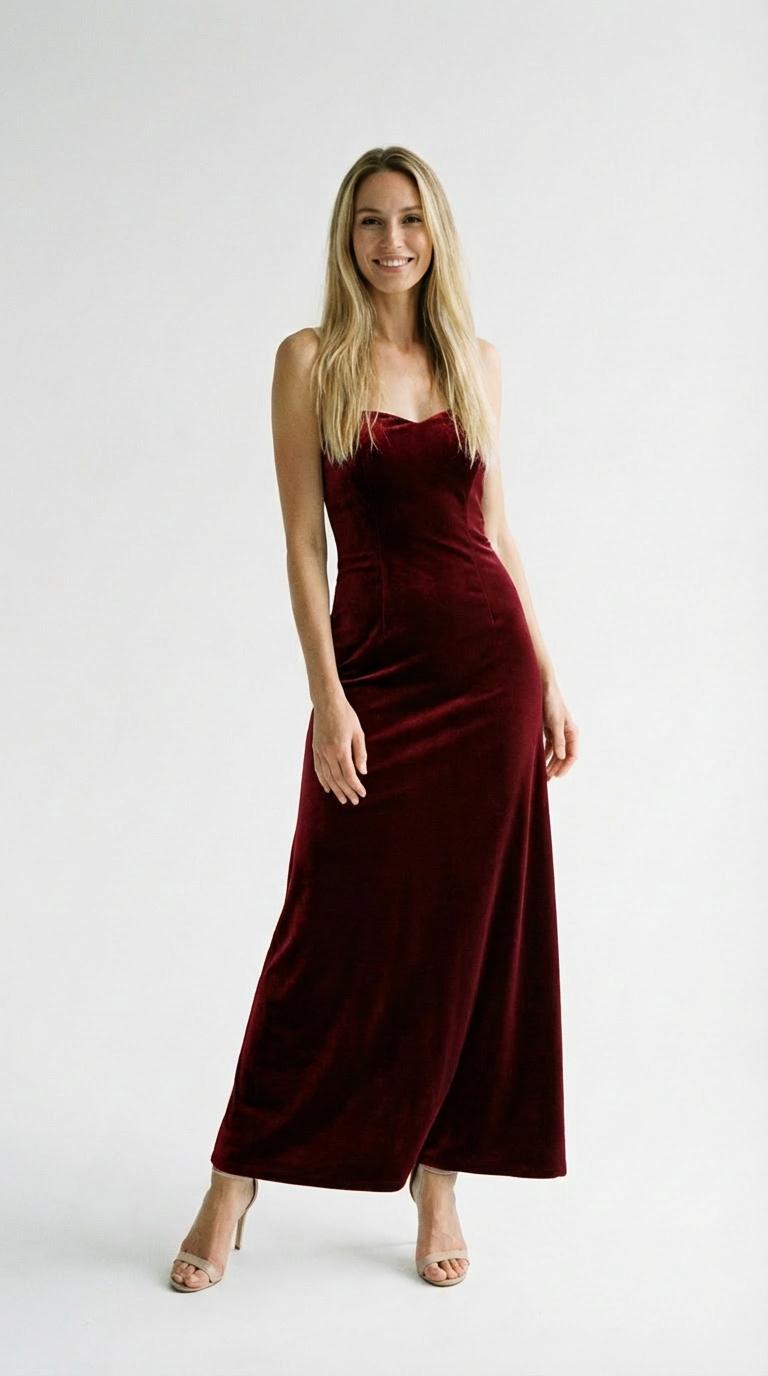
Template preview
Click to load and play the video preview.
Create your video
Upload 4 reference photo(s). The model and price are shown below.
What you get
Make a Fan Transition outfit video for TikTok: the overhead shot opens with a roll onto the rug, then ceiling-fan blades reveal three clothing changes. Image 1 supplies your appearance and starting outfit; Images 2, 3 and 4 supply the later looks in order. The same person stays on the floor throughout the 15-second scene. The rug, couch edge, lighting and wipe timing follow the demo. Framing is adaptive, and audio is produced with the video.
How to
1. Choose the person photo and three outfit references before uploading. 2. Add Image 1 for your appearance and the opening clothes. 3. Add Images 2, 3 and 4 in the order you want after the fan wipes. 4. Generate, then check the face and each clothing reveal through the final frame.
Photo tips
- Show one person clearly in Image 1, ideally with the full starting outfit. - Use clothing-focused references for Images 2–4; they do not cast extra people. - Keep garment shapes, shoes and accessories easy to distinguish. - Avoid collages or multiple outfits in one reference. - Use a clear face in Image 1; faces in outfit references are not used to define the performer.
Who it's for
- A four-look outfit mood board for Reels. - A dressy-to-casual fashion reveal for TikTok. - A wardrobe comparison or seasonal style idea for Shorts, without filming overhead.
FAQ
- How many images are required?
- Four: one person photo and three clothing references. The first photo also provides the opening outfit.
- Does each outfit image add another person?
- No. Only Image 1 defines who appears. The other images supply clothing for that same performer.
- Can I choose the order of the looks?
- Yes. Image 2 follows the first wipe, Image 3 the second and Image 4 the third.
- Can the final shot be standing up?
- No. This template follows the overhead floor scene through the ending; it is not a standing runway sequence.
- Does it include the original song?
- The current setting uses audio produced with the generated video. An identical copy of the demo song is not guaranteed.
- What are the duration and framing?
- The default is 15 seconds with adaptive framing. The reference scene remains overhead; check the resolution choices before generation.